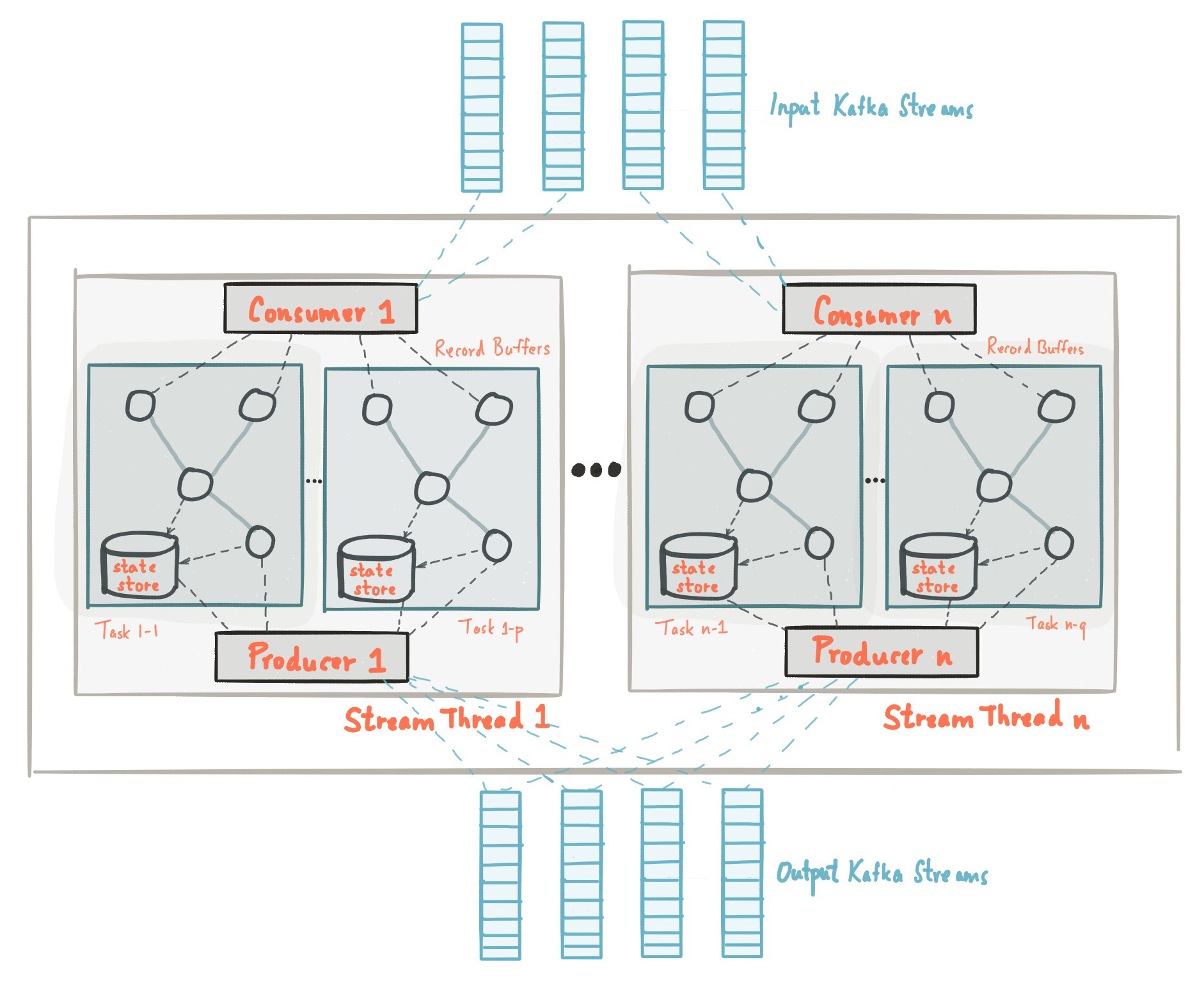
Documentations and Articles
Awesome Repositories
- awesome-kafka (Newest): A curated list of awesome Apache Kafka resources, tools, libraries, and applications
- awesome-kafka: A curated list of awesome things related to Apache Kafka
- awesome-mqtt: Curated list of MQTT brokers, clients, tools, resources and more.
Articles
- AWS - What’s the Difference Between Kafka and RabbitMQ? 🌟 (Recommended)
- Viblo - RabbitMQ vs Kafka - Hai Cách Truyền Tải Khác Nhau
- Confluent - KRaft: Apache Kafka Without ZooKeeper 🌟 (Recommended)
General
- Confluent - Introduction to Apache Kafka
- Kafka - Documentation
- Viblo - Apache Kafka từ zero đến one
- LocalStack - Managed Streaming for Kafka (MSK)
- RedHat - Apache Kafka: 10 essential terms and concepts explained 🌟 (Recommended)
- RabbitMQ - RabbitMQ vs. Apache Kafka® 🌟 (Recommended)
Organization
- Confluent Inc.: Real-time streams powered by Apache Kafka®
- Strimzi: Kubernetes-native data streaming powered by Apache Kafka
Tips & Configurations
- NetApp - Use Apache Kafka with the Command Line
- Huawei Cloud - Deleting a Kafka Consumer Group
- Confluent - How to run Kafka locally with Docker
- Scaler - Configuring Zookeeper for a Kafka Cluster 🌟 (Recommended)
- Strimzi - Migrate your Strimzi-operated cluster from ZooKeeper to KRaft
Kafka CLI Usage
Installation
Following my tutorial to install once kafka cli for your shell. Explore more version at: Apache Kafka
mkdir -p ~/.kafka
wget https://dlcdn.apache.org/kafka/4.0.0/kafka_2.13-4.0.0.tgz
tar -xzf kafka_2.13-4.0.0.tgz -C ~/.kafka --strip-components=1
echo "export PATH=\"\$PATH:\$HOME\.kafka\\\bin\"" >> ~/.zshrc
source ~/.zshrc
Now check command for validate it downloads and setups successful
kafka-consumer-groups.sh --versionSetup Connection Properties
For help you connect into remote cluster with username and password, you need to create file
In the situations, your kafka cluster use truststore key for validate login, you should configure ssl-user-config.properties like
Warning
Remembering, you must keep the
sasl.jaas.configon same line, if you have to break, you must be add the space and symbol/to present your line breaking
ssl.enabled.protocols=TLSv1.2,TLSv1.1,TLSv1
ssl.truststore.location = truststore.jks
ssl.truststore.password = "truststore-password"
ssl.protocol=TLS
security.protocol=SASL_SSL
sasl.mechanism=SCRAM-SHA-256
sasl.jaas.config=org.apache.kafka.common.security.scram.ScramLoginModule required \
  username="your-username" \
  password="your-password";
But in some situations, you just use ssl for connection, your configuration file will be
security.protocol=SASL_PLAINTEXT
sasl.mechanism=SCRAM-SHA-256 # Change the machanism for your cluster
sasl.jaas.config=org.apache.kafka.common.security.scram.ScramLoginModule required \
  username="your-username" \
  password="your-password";
Save this file into location which you can reuse, usually we set it on $KAFKA_HOME/config
Configure Consumers Group
kafka-consumer-groups.sh --bootstrap-server <host-kafka>:<port-kafka> --command-config ~/.kafka/config/ssl-user-config.properties --listWhen I want to delete bunch of Consumer Group, you can use
kafka-consumer-groups.sh --bootstrap-server <host-kafka>:<port-kafka> --command-config ~/.kafka/config/ssl-user-config.properties --delete --group <name-consumer-group>Kafka & MQTT Tools
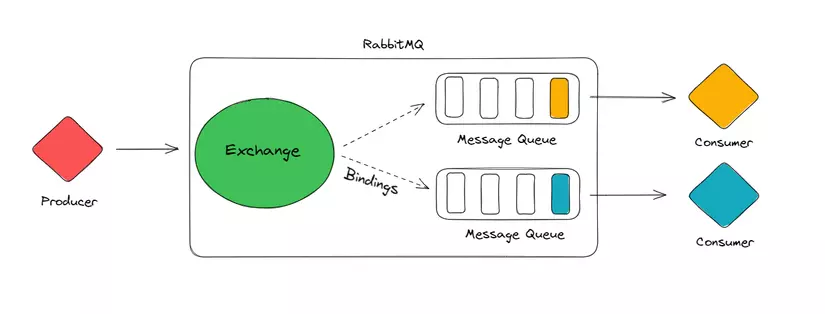
Kafka Alternative
- AutoMQ : AutoMQ re-engineers Kafka for the cloud by decoupling storage to object storage. While maintaining 100% compatibility with Apache Kafka®, it offers users up to 10 times cost efficiency and 100 times elasticity.
- RabbitMQ: An open-source message broker for asynchronous messaging, queueing and delivery acknowledgement.
- NATS: High-Performance server for NATS.io, the cloud and edge native messaging system.
- Apache Pulsar: Apache Pulsar - distributed pub-sub messaging system
Kafka Installation
- Strimzi: Strimzi simplifies the process of running Apache Kafka within a Kubernetes cluster 🌟 (Recommended)
- apache/kafka: Official Apache Kafka Docker Image
- landoop/fast-data-dev: For ‘Kafka developers’ with Kafka, Schema Registry, Connect, Lenses.io StreamReactor Connectors
Kafka UI
- akhq: Kafka GUI for Apache Kafka to manage topics, topics data, consumers group, schema registry, connect and more…
- kafka-ui: Open-Source Web UI for Apache Kafka Management 🌟 (Recommended)
Message Broker
- Apache ActiveMQ: a high performance Message Broker
- tansu: Apache Kafka® compatible broker with S3, PostgreSQL, SQLite, Apache Iceberg and Delta Lake
- hermes: Fast and reliable message broker built on top of Kafka.
- mosquitto: an open source implementation of a server for version 5.0, 3.1.1, and 3.1 of the MQTT protocol.
- emqx: The most scalable and reliable MQTT broker for AI, IoT, IIoT and connected vehicles